
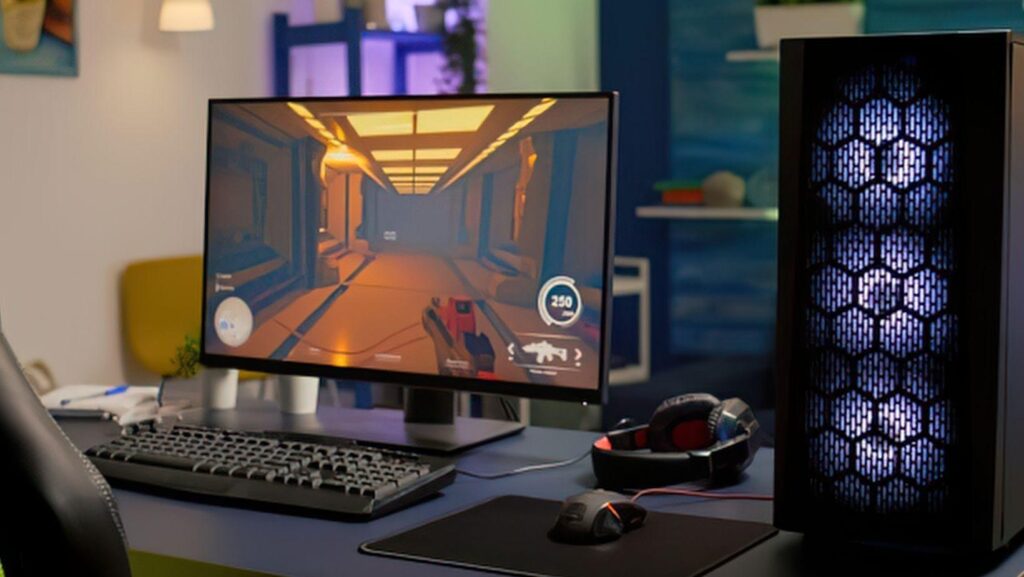
That aging gaming tower gathering dust in the closet still has plenty of life left in it. Rather than trading it in for pennies or letting it collect dust, more PC gaming enthusiasts are converting old rigs into home servers. It’s a practical shift that saves money while giving hardware a genuine second act.
The trend taps into something bigger than nostalgia. As upgrade cycles accelerate and new components tempt builders every few years, the question of what to do with “obsolete” machines has become a real conversation among tech-savvy households.
Why Gamers Are Repurposing Old Rigs
Gaming PCs rarely become useless just because they can’t handle the newest AAA titles at max settings. A machine with a multi-core CPU, 16GB or more of RAM, and an SSD is massively over-spec’d for basic server tasks like file sharing or media streaming. That surplus performance is exactly what makes these old builds so appealing for a second purpose.
This isn’t a fringe habit either. The pre-owned gaming hardware market was valued at $5.7 billion in 2023, with the majority of transactions involving GPUs and laptops. That figure shows gamers are already comfortable reselling and repurposing components instead of tossing them.
Choosing The Right Operating System Setup
The OS choice depends heavily on comfort level. TrueNAS and OpenMediaVault are popular for anyone prioritizing storage management, offering RAID and ZFS support without demanding deep Linux knowledge. Ubuntu Server or Debian appeal to those who want more flexibility to install custom applications.
Windows can also work, particularly for users who already know the interface and don’t want a learning curve. It’s less efficient for pure server workloads, but for a repurposed gaming PC that’s mostly idle anyway, the overhead rarely matters. The key is picking something stable enough to run unattended for long stretches.
Common Uses: Streaming, Backups, And Self-Hosting
Media streaming is probably the most common reason gamers convert old rigs. Plex, Jellyfin, and Emby all run comfortably on hardware that’s several generations old, since CPU and storage throughput matter far more than GPU horsepower for this task. A single tower can serve movies and shows to every device on the home network.
File backup is another natural fit. Consolidating leftover SSDs and HDDs from past upgrades into a single storage pool creates a reliable personal cloud for game libraries, project files, and photos. Beyond that, self-hosted applications are gaining traction too — running Docker containers for game servers, password managers, or home automation tools.
The same repurposed hardware also handles browser-based entertainment well. Retro gaming emulators run smoothly on older CPUs. Digital card and table games, including poker and blackjack, work fine on modest specs. Offshore casinos with instant wallet deposits and no mandatory registration are designed to run in any browser without client-side installation.
Guides on home server applications note that even older laptops with modest RAM can handle lightweight versions of these setups, though desktops remain the better long-term choice.
Security Basics Every Home Server Needs
Turning a gaming PC into a server means it’s now reachable in new ways, so basic hygiene matters. Setting a strong admin password, enabling a firewall, and disabling unnecessary remote access ports are non-negotiable first steps. Keeping the OS and any hosted applications updated closes off known vulnerabilities before they become problems.
It’s also worth isolating the server on its own network segment if the router supports it. This limits exposure if any other device on the network gets compromised. None of this requires advanced expertise—just consistent habits.
Keeping Your Server Running Smoothly Long-Term
Reusing older hardware also connects to a wider sustainability push. E-waste from PC gaming rigs reached 2.1 million tons in 2023, according to gaming industry e-waste data, making repurposing a meaningful way to cut down on unnecessary disposal.
Routine maintenance keeps things running for years: cleaning dust from fans, monitoring drive health, and scheduling automatic backups of the server’s own configuration. Treat it less like a gaming rig and more like quiet infrastructure that just needs to stay online. Done right, that old tower can outlast several future GPU upgrades.
More Stories
AI Art and Copyright: What Anime Creators Should Understand Before Publishing Their Work
The technology behind faster, more data-rich sports betting markets
Make Your Subscription Count! What to Look at Before You Hit Subscribe on an OnlyFans Page